How to scope a custom software project before requesting a proposal
Learn how to define the problem, users, workflows, features, data, integrations, constraints, and success criteria for a custom software proposal.



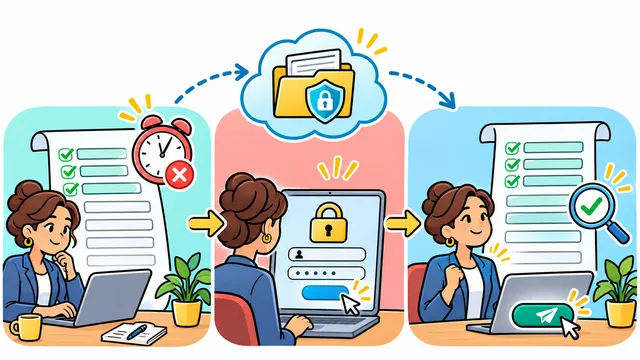
A useful custom software proposal begins before anyone estimates features, timelines, or technology.
It begins with a clear description of the business problem, the people involved, the current workflow, the information that moves through it, and the result the company wants to improve.
You do not need to design the complete system before contacting a development partner. In fact, deciding every screen and technical detail too early can lock the project into assumptions that have not been tested.
The goal of an initial project scope is simpler: give the discovery team enough context to understand the problem, identify unknowns, discuss priorities, and recommend a responsible next step.
What is a custom software project scope?
A custom software project scope describes the boundaries and intended outcomes of a digital solution.
It usually covers:
The business problem.
The users and roles.
The current workflow.
The desired future workflow.
The most important capabilities.
The data involved.
Required integrations.
Security and access needs.
Known constraints.
Success criteria.
What belongs in the first release and what can wait.
A scope is not simply a feature list. A list such as “dashboard, mobile app, notifications, AI, and reports” says what the business imagines building, but not why those capabilities matter or how people will use them.
Strong scope connects every proposed capability to a workflow, user, decision, or business outcome.
Start with the business problem, not a feature list
Begin by describing what is difficult today.
Examples might include:
Customer requests arrive through several channels and are difficult to track.
Employees enter the same information into multiple systems.
Managers cannot see current workload or service status.
Appointment changes create missed updates for customers and staff.
Reports require manual consolidation from spreadsheets.
A generic tool forces the team to work around important limitations.
Then explain the impact without inventing numbers:
Work is delayed.
Information becomes inconsistent.
Customers need to contact the team for basic updates.
Managers make decisions with incomplete information.
Employees depend on manual reminders or individual knowledge.
Growth increases coordination problems.
A clear problem statement might look like this:
> Our service team receives requests through email, phone, and web forms. Staff then re-enter information into separate spreadsheets, and managers do not have one reliable view of status, ownership, or follow-up.
That statement provides more useful direction than “we need a CRM” because it describes the workflow that needs improvement.
Map users and the current workflow
Software succeeds when it reflects what people need to do, not only what management wants to see.
Identify each user group:
Customers or clients.
Front-office staff.
Field or service teams.
Operations managers.
Administrators.
Finance or reporting teams.
External partners.
For each group, document:
What starts their part of the process.
What information they need.
What actions they complete.
What decisions they make.
What problems or delays they encounter.
What should happen next.
A simple workflow can be written as steps:
A customer submits a request.
The request is reviewed and categorized.
A team member is assigned.
Work is scheduled.
Status updates are recorded.
The customer receives an update.
The service is completed.
Management reviews results.
Mark where information is copied, where approvals wait, where ownership becomes unclear, and where users leave one system to complete work in another.
This map helps a development team distinguish the core process from secondary features.
Separate required outcomes from possible features
Business teams often describe requirements as features because features are easier to imagine. A better approach is to define the required outcome first.
For example:
Outcome: managers need to see unresolved service requests. Possible feature: status dashboard.
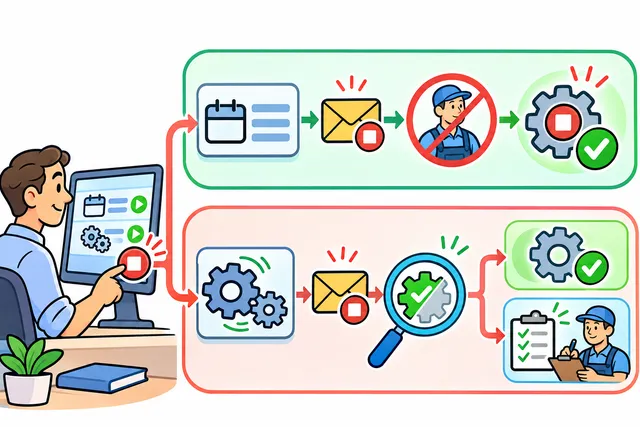
Outcome: customers need confirmation when an appointment changes. Possible feature: automated email or text notification.
Outcome: only supervisors can approve refunds. Possible feature: role-based approval workflow.
Outcome: staff should stop copying customer data between tools. Possible feature: integration with the existing customer system.
The same outcome may have several technical solutions. Keeping outcome and feature separate gives the project team room to recommend a simpler, safer, or more maintainable approach.
Prioritize requirements using three groups:
Required for the first useful release
These capabilities are necessary for the main workflow to function and provide value.
Important after the core workflow is stable
These capabilities improve usability, reporting, automation, or scale but are not required to validate the first release.
Future ideas
These may be useful later but do not belong in the initial estimate until assumptions are tested.
This separation reduces the risk of building a large system before the business has validated how people will use it.
Document data, integrations, and access
Data and integrations often shape effort more than the visible screens.
List the information the new solution may need:
Customer or account records.
Appointments and schedules.
Service requests and status history.
Products, inventory, or assets.
Documents and images.
Payments or invoices.
Employee and role information.
Reports and operational metrics.
For each data source, ask:
Where does the information live today?
Who owns it?
Is it complete and consistent?
Does it need to move once or synchronize continuously?
Which system should remain the source of truth?
Are there retention or deletion requirements?
List the systems that may need to connect, such as accounting tools, calendars, payment providers, mapping services, customer platforms, email, text messaging, or internal databases.
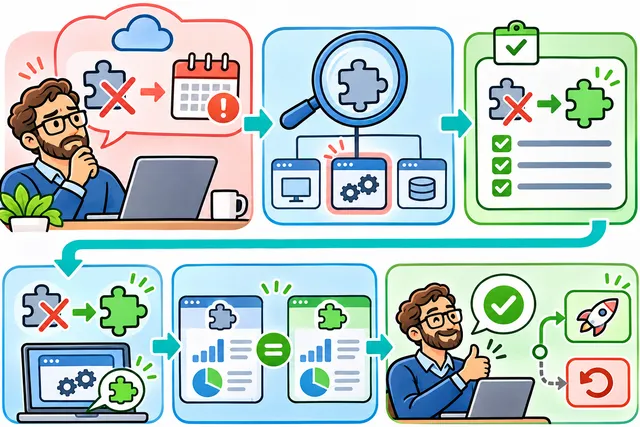
Do not assume that every tool provides the same integration options. Access to an API, export format, documentation, permissions, and vendor limitations should be reviewed during discovery.
Access requirements also matter. Define which roles can view, create, change, approve, export, or delete information.
Identify constraints, risks, and dependencies
A responsible proposal needs more than desired features. It also needs the conditions that may affect delivery and operation.
Common constraints include:
A required launch window.
Existing contracts or vendor limitations.
Legacy systems that cannot be replaced immediately.
Data that requires cleanup or migration.
Internal approval processes.
Availability of business subject-matter experts.
Devices, browsers, or operating environments that must be supported.
Accessibility or multilingual requirements.
Security, privacy, or industry-specific review needs.
A fixed budget range or phased funding.
List assumptions separately from confirmed facts.
For example:
Confirmed: the accounting platform provides an API.
Assumption: the current plan includes access to the required endpoints.
Pending validation: historical customer records can be exported in a consistent format.
This distinction makes risks visible before they become unexpected changes.
Define success criteria and a first useful release
Success criteria explain how the business will judge whether the solution is helping.
They do not need to be ambitious promises. They should be observable conditions connected to the workflow.
Examples include:
Every request has an owner and current status.
Staff can find a customer’s service history in one place.
Managers can review unresolved work without combining spreadsheets.
Customers receive confirmation after a defined action.
Permissions reflect job responsibilities.
Required reports can be generated from the system’s source data.
If the business already tracks reliable baselines, it can later compare time, errors, adoption, completion, or response measures. If no baseline exists, the first step is to define what will be measured and how.
The first useful release should support one complete, valuable workflow. It does not need to solve every future need.
A phased plan may include:
Core workflow and user access.
Priority integrations and notifications.
Reporting and management tools.
Advanced automation or AI after the process and data are stable.
What to include in a software project brief
A concise project brief can contain:
Business context
What the company does.
Which team or operation the project supports.
Why the project matters now.
Problem statement
What happens today.
Where friction or risk appears.
Who is affected.
Users and workflow
Main user roles.
Current steps.
Desired changes.
Requirements
Required outcomes.
First-release capabilities.
Future ideas kept outside the initial scope.
Data and integrations
Existing systems.
Data sources.
Migration or synchronization needs.
Access and permission expectations.
Constraints and dependencies
Timing considerations.
Required devices or environments.
Review, security, privacy, or accessibility needs.
Known vendor dependencies.
Success criteria
What the system should make possible.
What the business plans to measure.
The brief can be a simple document. Clear information matters more than polished formatting.
Common scoping mistakes
Starting with a preferred technology
Choosing a framework, AI model, or platform before understanding the workflow can narrow the solution too early.
Treating every idea as a first-release requirement
This makes estimates harder to compare and increases risk before the core process is validated.
Ignoring data quality
A new system cannot automatically make incomplete, duplicated, or inconsistent source data reliable.
Assuming integrations are simple
Integration effort depends on documentation, permissions, data models, vendor limits, and synchronization rules.
Forgetting maintenance and ownership
The scope should consider who manages users, reviews alerts, approves changes, monitors integrations, and supports the solution after launch.
Requesting a fixed estimate for unresolved questions
When important assumptions remain unknown, a discovery phase or phased estimate can be more responsible than false precision.
What happens during discovery?
Discovery turns the initial brief into a more reliable project direction.
Depending on the project, it may include:
Stakeholder interviews.
Workflow mapping.
Requirements and priority review.
Data and integration analysis.
User-role and permission planning.
Technical risk identification.
Prototype or interface exploration.
Release planning.
Estimate assumptions and exclusions.
Discovery is not only a technical exercise. It aligns business expectations, user needs, operational reality, and implementation decisions.
How Dynelink can help
Dynelink works with businesses to translate real processes into practical digital solutions across custom software, web platforms, mobile applications, integrations, AI, dashboards, and ongoing support.
A discovery conversation can help clarify:
The workflow that needs improvement.
The users and decisions the system must support.
The most useful first release.
Data and integration dependencies.
Maintenance and growth considerations.
You do not need to arrive with a complete technical specification. A clear description of the problem and current process is a strong place to begin.
Talk with Dynelink to organize the workflow, users, data, integrations, and priorities for your custom software project.